Posts

Showing posts with the label pdf

Crocodoc - An Online Web App for Annotating Office and PDF Files
Image
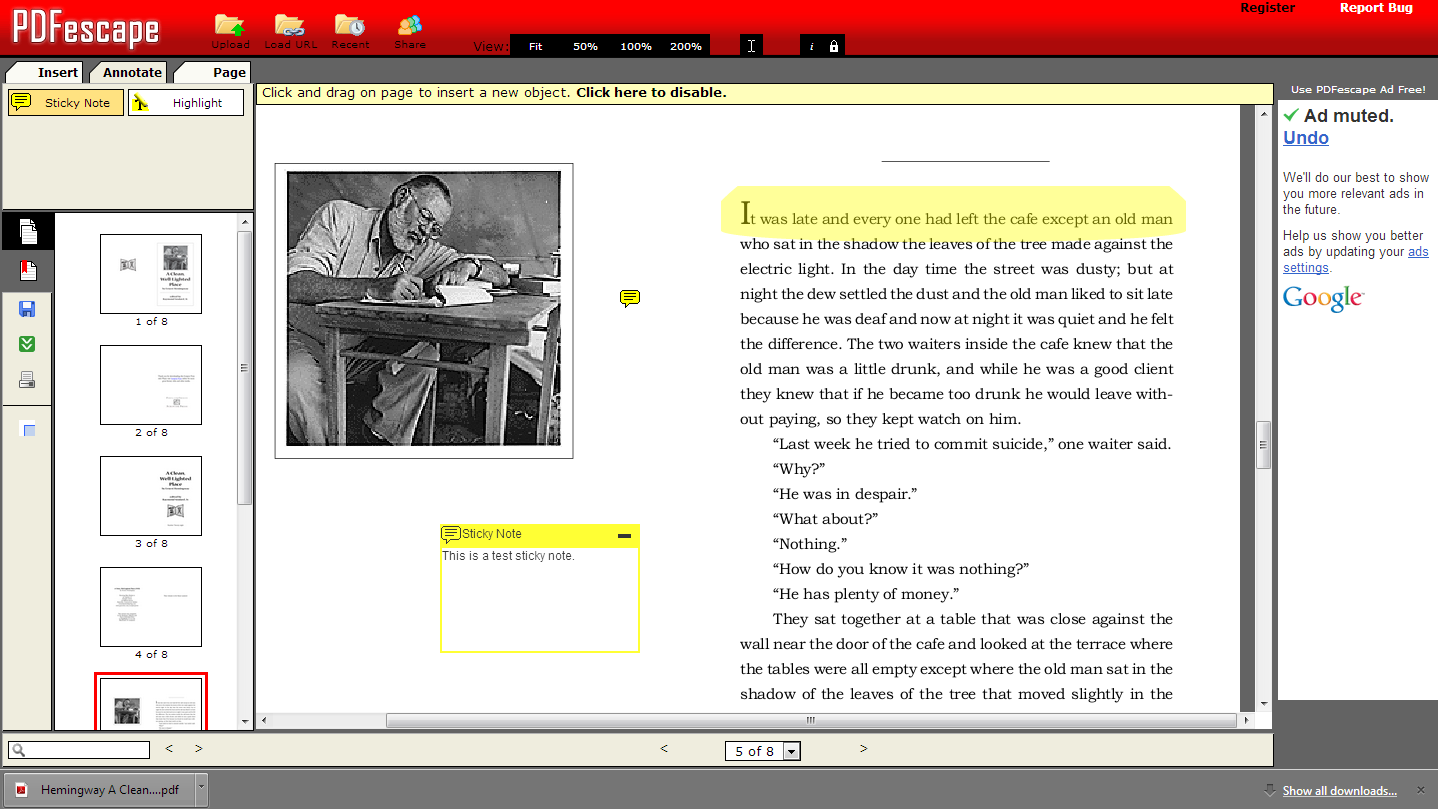
The challenge : Finding an easy way for students to use the Chromebooks to annotate PDF files. The solution: Crocodoc Recently, I attended a conference presentation on Subtext, which looked awesome on the iPad, but sadly, the web version is still in its infancy.  I just gave it another go, and couldn't find an easy way to upload and start inking on a PDF.  I had demo'ed PDFescape during a recent presentation on Chromebooks and Accessibility, and the web application gets the job done, but it does so with an abundance of ads, as well as some clunky behaviors. So, in preparation for a meeting with a teacher who is interested in having her students annotate on the Chromebooks, I stumbled upon Crocodoc and I must say that I am impressed. Right from the initial first use, the interface for Crocodoc is very clean, minimalist, and easy on the eyes. The feature set is extensive for a web app. You can write comments on the margins, add pointers, box or highlight text. Free h...

Converting PDFs to Word via Google Docs (VIDEO)

Image
This one has been out for awhile. In fact, I wrote a post in 2011 on this very capability.  However, I went ahead and created documentation and a video since the topic still comes up frequently.  Teachers (or anyone for that matter) occasionally request editing of PDF documents. Although PDFs are meant for viewing only, there are times when we want to be able to access an editable version in a word processor. Google Docs has a handy PDF converter built in, and it does a pretty decent job of converting, especially if you're looking at just a bunch of text in your document. First, you'll convert to a Google Doc, and if you need some Microsoft goodness in there, you'll need to download as such. Here's the tutorial guide and a YouTube video is embedded after the jump.

How to Convert a PDF, JPG, PNG, or GIF file into Editable Text for Free Using Google Docs

Image
Recently, I had a request to convert a PDF into an editable document, and although we have access to Adobe Acrobat Professional, that would have meant assigning a ticket and waiting for an install on the user's machine. Instead, I remembered and then recommended that the teacher try the "Convert PDF to Google Doc feature." Before completing selling it to other teachers with similar requests, I gave it a quick test run with the following results.

Publishing with Yudu - Online Documents, Newsletters, and More.

Image
Having run up a streak of consecutive posts (ended last week at just over 60), I wanted to take the time to reflect on some of the more memorable ones, as well as pull together a few that were especially relevant to teachers at ETHS. Thus was born the EdTech @ETHS Monthly. Crafted from a simple MS Word template, I wasn't ready to commit hours to a fancy newsletter design. Yet, keeping my activity sponsor hat on (Green Team - Environmental Club), I wanted the document to be accessible and carbon free. Yudu took care of the rest.